What "link in bio" means and how to set one up
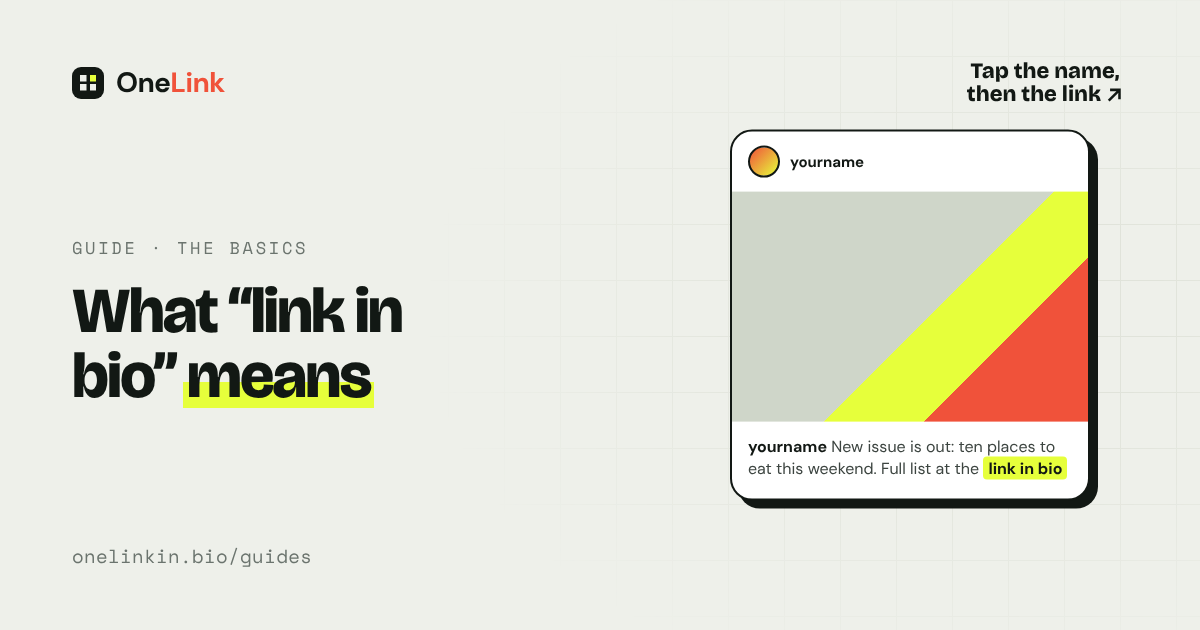
"Link in bio" means the clickable link on a person's social media profile. When someone writes it under a post, they're telling you to go to their profile and tap the link there, because the post itself can't hold one.
Updated
Why people say it
On Instagram and TikTok, a web address typed into a caption is plain text. You can't tap it. The profile, also called the bio, is the one place where a link works.
So if a writer posts about a new article, they can't link to it from the post. They put the link on their profile and write "link in bio" in the caption.
Where to find someone's link in bio
On Instagram
Step 1: Tap the person's name or photo to open their profile.
Step 2: Look under their description, above their posts.
Step 3: Tap the link. If you see "and 2 more" beside it, tap to see the others.
On TikTok
Step 1: Tap the person's photo to open their profile.
Step 2: Look under their description for a link.
What you'll usually find behind it
Sometimes the link goes straight to one place, like a shop. More often it opens a simple page with a list of links: the latest article, the newsletter sign-up, the shop, and so on. That page is called a link-in-bio page.
People use one because they have more things to share than a profile has room for, and because the page can be updated without touching the profile.
Think of the profile link as the front door and the link-in-bio page as the hallway. The door stays put. What's down the hall can change every day.
How to set up your own
Step 1: Decide where you want people to go. Write the list. Put the most important item first.
Step 2: Choose how to show them. If you have five or fewer links that rarely change, add them straight to Instagram. If you have more, or they change often, make a link-in-bio page.
Step 3: Add the link to your profile. In Instagram, go to Edit profile, then Links. In TikTok, go to Edit profile and tap Add next to Links. TikTok asks for 1,000 followers or a verified Business account first.
Step 4: Say it in your captions. Write "link in bio" so people know where to go.
Step 5: Keep it current. A link that leads to last month's news loses people.
With OneLink, you create a free page and add a tile for each thing you want to share. Each tile shows a picture and a headline, so visitors can see what they're tapping.
Questions people ask
What does "link in bio" mean on Instagram?
It means the link on the person's Instagram profile, under their description.
Why can't people just put the link in the post?
Instagram and TikTok don't make addresses in captions clickable.
Is a link in bio safe to tap?
It's as safe as the person who posted it. Check that the profile is the real one, and be careful with pages that ask for passwords or payment details you weren't expecting.
Does "link in bio" cost money?
No. Adding a link to your profile is free. Link-in-bio pages have free plans too.
Related guides
- How to add more than one link to your Instagram bio
- How to put a link in your TikTok bio
- Best link in bio tools in 2026, compared
Sources
- Add a website to your Instagram profile, Instagram Help Center, read November 14, 2026.
- Adding a website link to your profile, TikTok Help Center, read November 14, 2026.
All guides. Questions? Email support@onelinkin.bio. We usually get back within 24 hours.