Designs
Twenty-eight designs. Pick one and the whole page changes.
Each design brings its own layout, typeface and spacing. Six of them are the classic link page: your photo, your name, a stack of buttons. Two are made for musicians and podcasters. Add a cover photo across the top of any of them. Tap one to try it live.
A few to start with
Tap one to try it on the page.
Design NoirType DM SansGrid 3 columnsButtons outlined
All twenty-eight
Each design brings its own type, from a Futura-style geometric to a newspaper serif. Change it in the dashboard and the page follows.
Cover photo
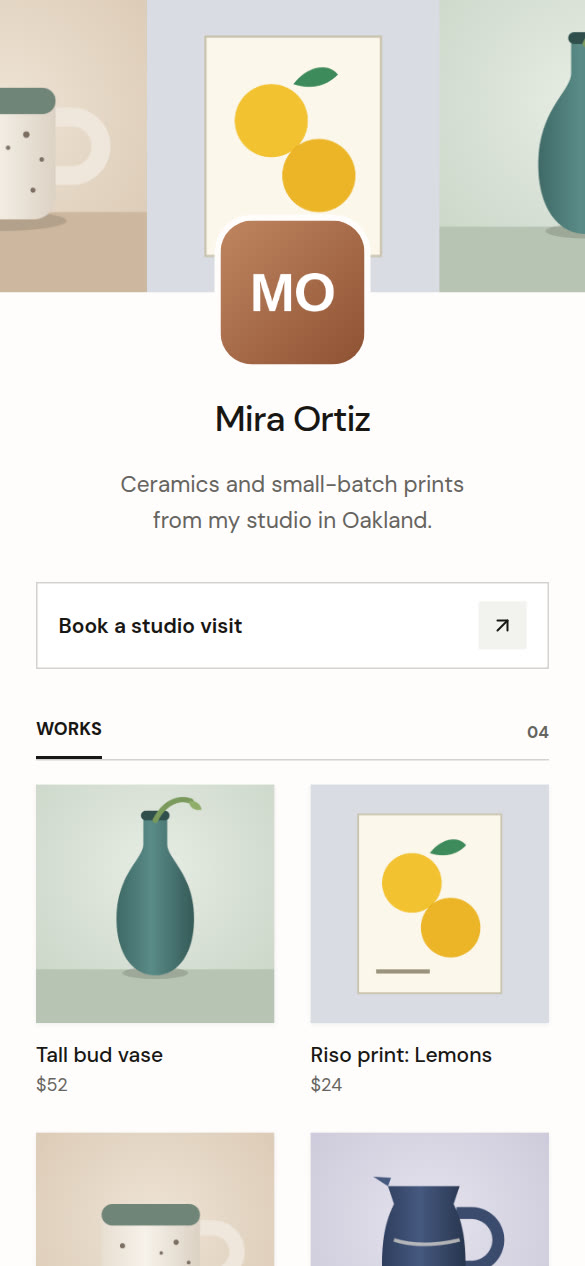
A wide photo across the top, with your picture on its edge.
Upload a photo of your studio, your stage or your show art. Your profile picture sits on its bottom edge, and the cover becomes the picture people see when your page is shared.
- Works with all twenty-eight designs.
- Your picture centered or on the left, as a circle or a rounded square.
- A short cover or a tall one.
- Slide to choose which part of the photo shows.
For musicians and podcasters
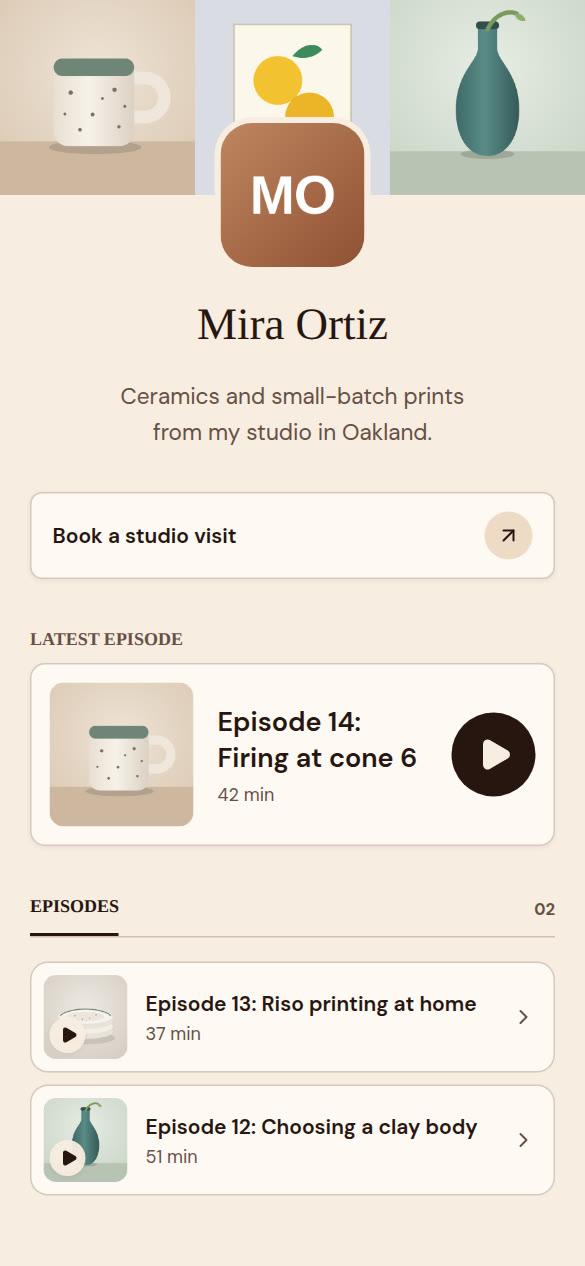
Your newest release up top, ready to play.
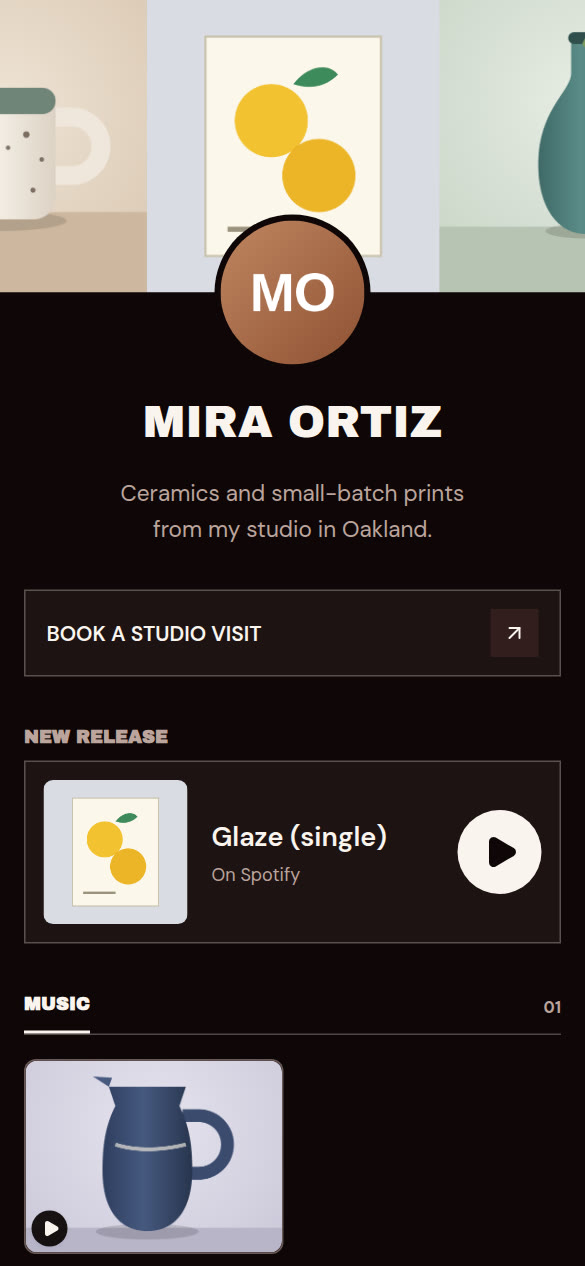
Encore is dark and loud, for musicians and DJs. On Air is warm paper and a serif, for podcasters. Both put your latest track or episode in a big card at the top of the page, with a play button that works without leaving it.
- Spotify, Apple Music, Apple Podcasts, SoundCloud, YouTube, Vimeo and Mixcloud.
- Connect your podcast feed and the newest episode moves to the top on its own.
- Shows and events below, with RSVPs or a ticket link.
Start from a template
Tell us who the page is for and we set it up.
Pick Musician, Podcaster, Gallery, Newsletter, Newspaper, Shop, Consultant, Speaker, B2B founder or Job seeker. We choose the design, the cover and the layout, then give you a short list of what to add next. Your tiles and links stay where they are.
- Musician or DJ: Encore, a tall cover, your release up top.
- Podcaster: On Air, your show art, the latest episode.
- Gallery or art fair: Gallery, a tall cover, exhibitions and RSVPs.
- Newsletter: Broadsheet, with your sections as tabs.
- Newspaper or magazine: tabs to read, listen and watch, with subscriber labels.
- Shop or maker: Zine, with your products and prices.
- Consultant or coach: Cupertino, a Book a call button, case studies and what clients say.
- Speaker: Foundry, a stage photo, your talks and a speaker kit link.
- B2B founder: Graphite, tabs for writing, customers and press, and a demo call.
- Job seeker: Classic, with your CV, LinkedIn and portfolio as buttons.
Make it yours
Your colors, your photo, your name.
- Any background color, or a hex code if you’re picky.
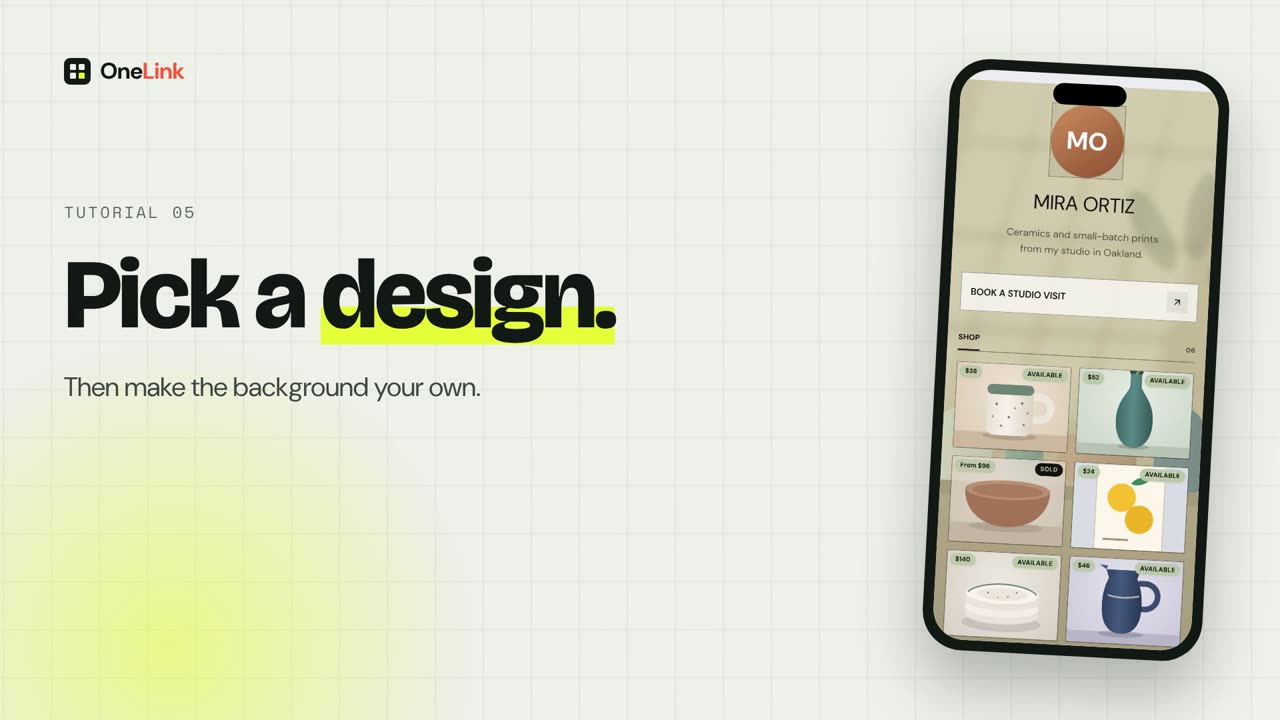
- Your own photo behind the page. Dim it so the words stay readable.
- Six accent colors for buttons and highlights.
- One switch to take the OneLink name off the page (Pro and up).
Make your page today.
Paste a few links, put the address in your bio, and you’re done. Connect your site and it stays up to date on its own.
Free to start. All twenty-eight designs are on Free.