For publishers
The link in bio for newspapers and magazines.
Connect your site once. Every story lands on your page the same morning, with its picture and headline, filed under its section and marked free or for subscribers. Built for newsrooms, with team logins, your own domain, and a way past the paywall for readers from Instagram and TikTok.
Who it's for
For papers, magazines and the teams behind them.
Newspapers and magazines
A tab for every section, and a login for every editor.News, Sport and Culture fill themselves from your site. Run up to ten pages on Publisher or fifty on Newsroom, on your own domain like links.yourpaper.com, with roles and approvals.
Pages, teams and domains →Magazines
Every feature with its picture, and your offer where readers see it.New features arrive from your site with their own pictures. Put your subscription, your app or a trial in the offer card, and label which stories are for subscribers.
Offers →Podcasts and video
Read, Listen and Watch, side by side.Add your podcast feed and your YouTube channel as their own tabs. Episodes play right on the page. The Newspaper or magazine template sets it up in one tap.
Music, podcasts and video →Free or for subscribers
Every story says whether it’s free to read.
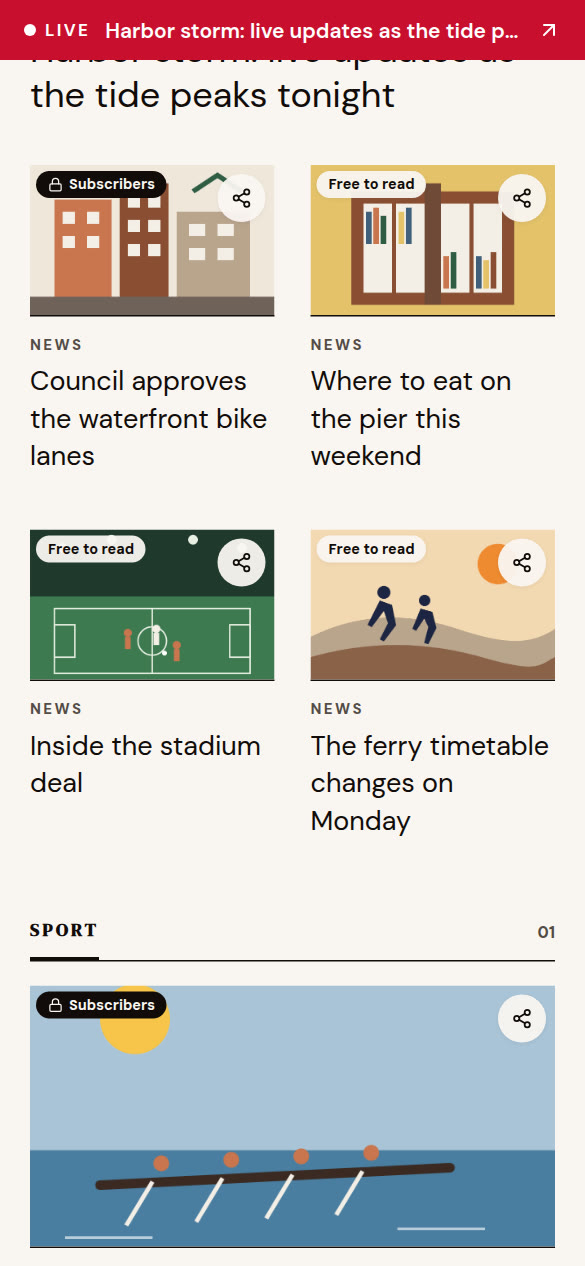
Readers see before they tap which stories they can open. A lock and Subscribers on one, Free to read on the next.
- OneLink reads the free-or-subscriber flag your site already publishes for search engines.
- Or set a rule for each feed: all free, all for subscribers, or by words in the address like /premium/.
- Change any story’s label on its tile.
- Add a gift link to a subscriber story and anyone who taps it reads it free.
Past the paywall
A way in for readers who hit the paywall.
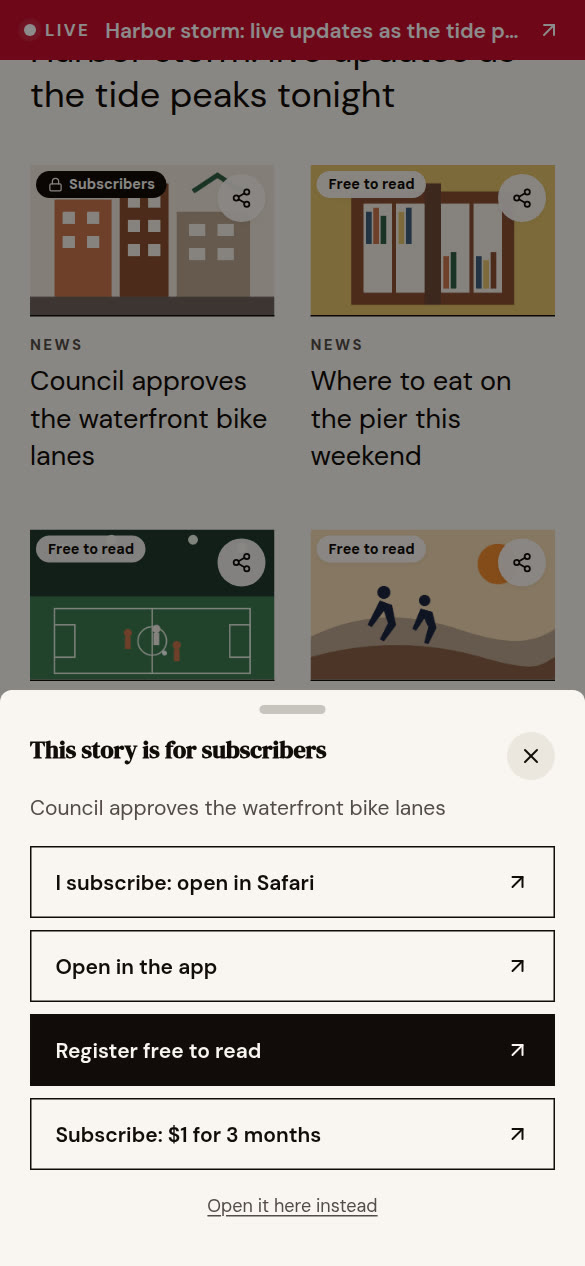
Instagram and TikTok open links in their own browser, where your subscribers aren’t signed in. When someone taps a subscriber story, a small card offers the ways in.
- Subscribers open the story in Safari or their phone’s browser, already signed in.
- Or in your app, through your smart link.
- Everyone else can register free or start a trial on your own pages.
- Checkout stays with your paywall provider. OneLink sends people there.
Offers
An offer that fits where the reader came from.
Show your free newsletter to visitors from Instagram and a trial to visitors from TikTok. Test two headlines, and Insights shows how many people saw each one and tapped it.
- One offer card for everyone on Publisher.
- A different offer for each platform on Newsroom.
- Two headlines split between visitors, with the tap rate for each.
- Sign-ups counted by the platform they came from.
Live blogs
Live coverage goes to the top on its own.
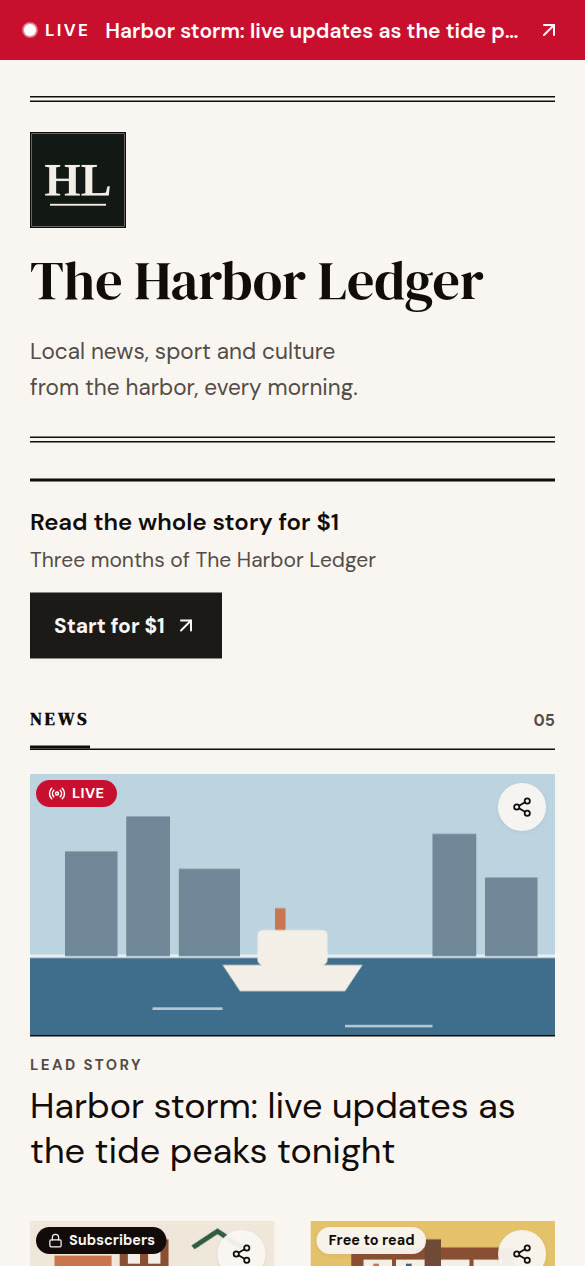
When your feed brings in a live blog, a red Live banner runs across the top of the page. It comes down three hours after the live blog stops updating.
- Spotted from the address, like /live/, or from the page itself.
- End it early, or mark any story as live, from its tile.
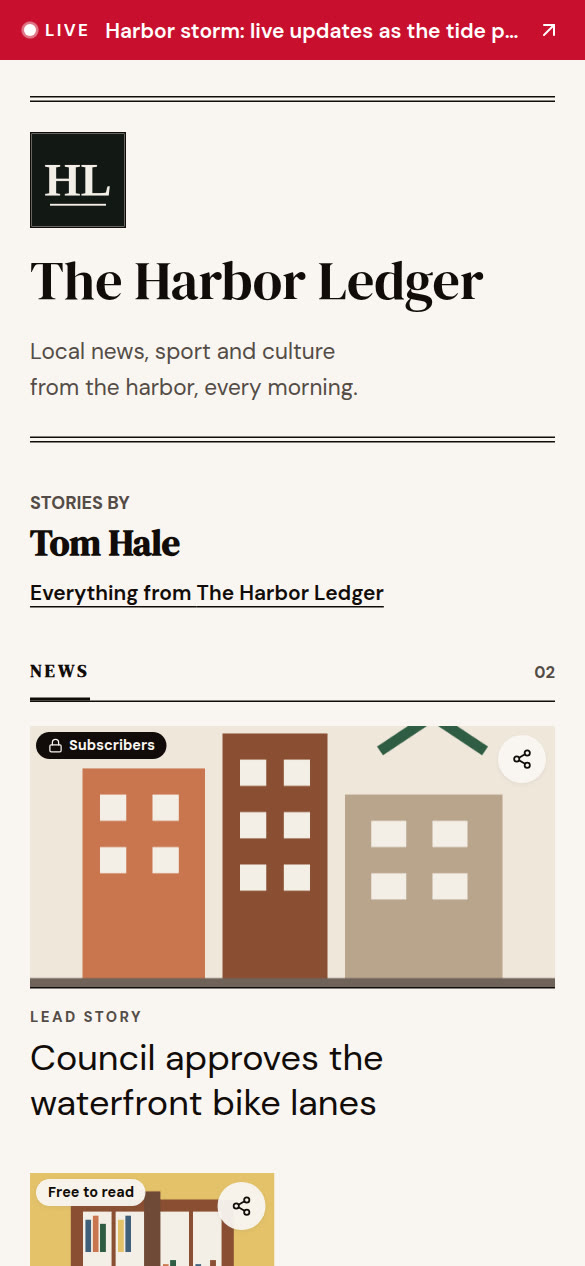
Journalist pages
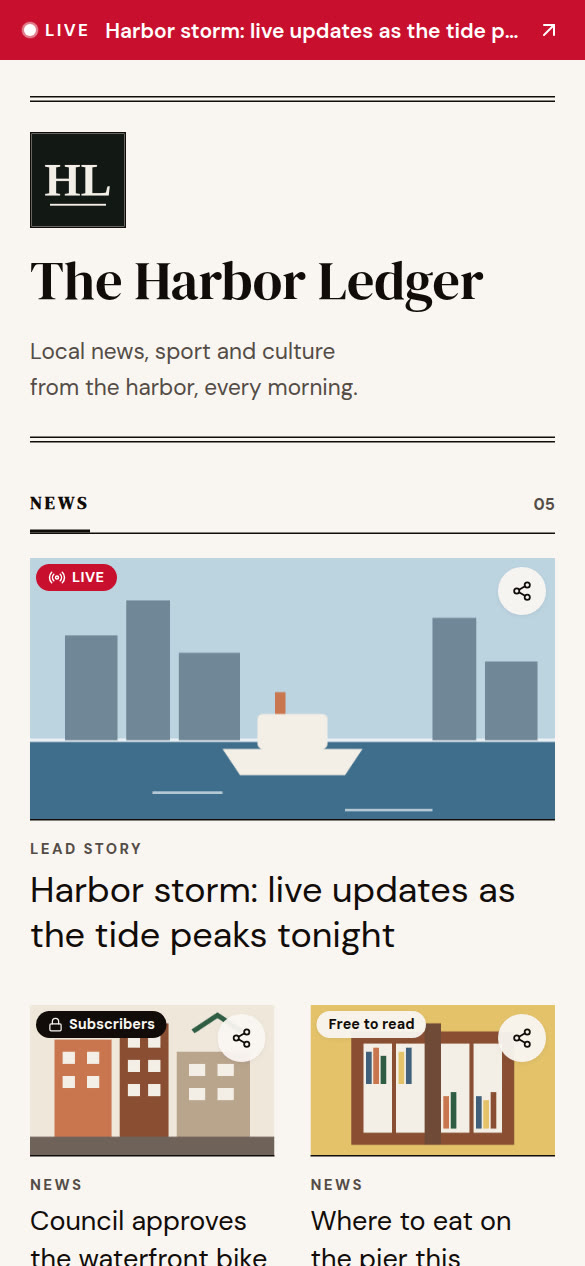
A page for every writer, filled from their bylines.
Each journalist gets a page like onelinkin.bio/yourpaper/by/rosa-chen, with only their stories, in your design and with your offer. They can put it in their own bio, and the subscriptions still come to you.
- Filled from the bylines in your feed.
- A story with two writers shows on both pages.
- On Newsroom.
Send to a friend
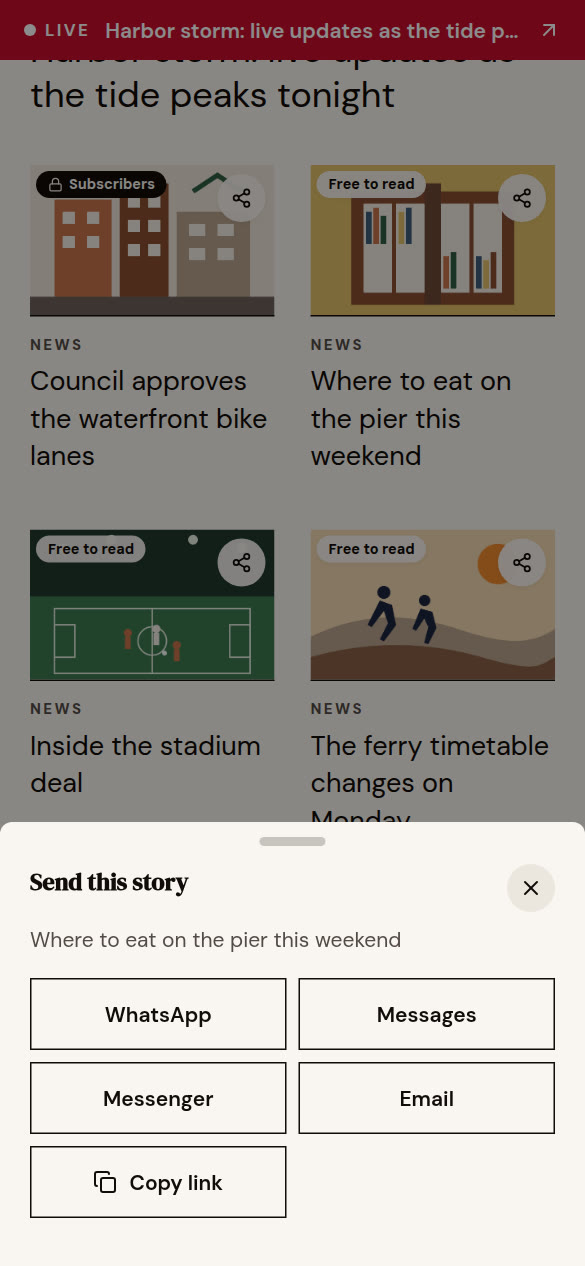
Let readers send a story on.
A share button on each story opens WhatsApp, Messages, Messenger, LinkedIn and email. When the friend opens it, Insights credits the app it was sent with.
- A story with a gift link travels as the gift link, so the friend can read it.
- Insights lists the stories people sent most.
Plans
Start with one page. Add the newsroom when you need it.
Pro One title
$5a month
or $48 a year
- Feeds from your site, your podcast or YouTube
- Free to read and Subscribers labels, and gift links
- Live banners and share buttons
- Email sign-up box and message inbox
- Up to three pages
Publisher Papers and magazines
$29a month
or $290 a year
- Up to ten pages, with team logins
- Your own domain, like links.yourpaper.com
- The paywall card: signed in, your app, register or subscribe
- An offer card near the top of the page
- Feeds checked every fifteen minutes
- Everything in Pro
Newsroom For teams
$99a month
or $990 a year
- Up to fifty pages, in folders
- A different offer for each platform, with two headlines to test
- Journalist pages from your bylines
- Roles, approvals and an activity log
- Adobe Analytics, Chartbeat and Parse.ly
- Everything in Publisher
Prices in US dollars. Larger organizations: Enterprise. Nonprofits get half off Pro and Publisher: nonprofit rate.
Connect your site and watch the page fill.
Pick the Newspaper or magazine template, paste your site’s address into Feeds, and your sections turn into tabs.
Nothing to install, and nothing for Instagram or anyone else to approve. Writing a newsletter on Substack or Beehiiv? OneLink for newsletters.