For newsletters
Every issue you send, on your page the same morning.
For writers on Substack, Beehiiv, Ghost and Medium. Connect your newsletter once, and every new issue shows up in your link in bio with its picture and headline. Readers can subscribe without leaving the page.
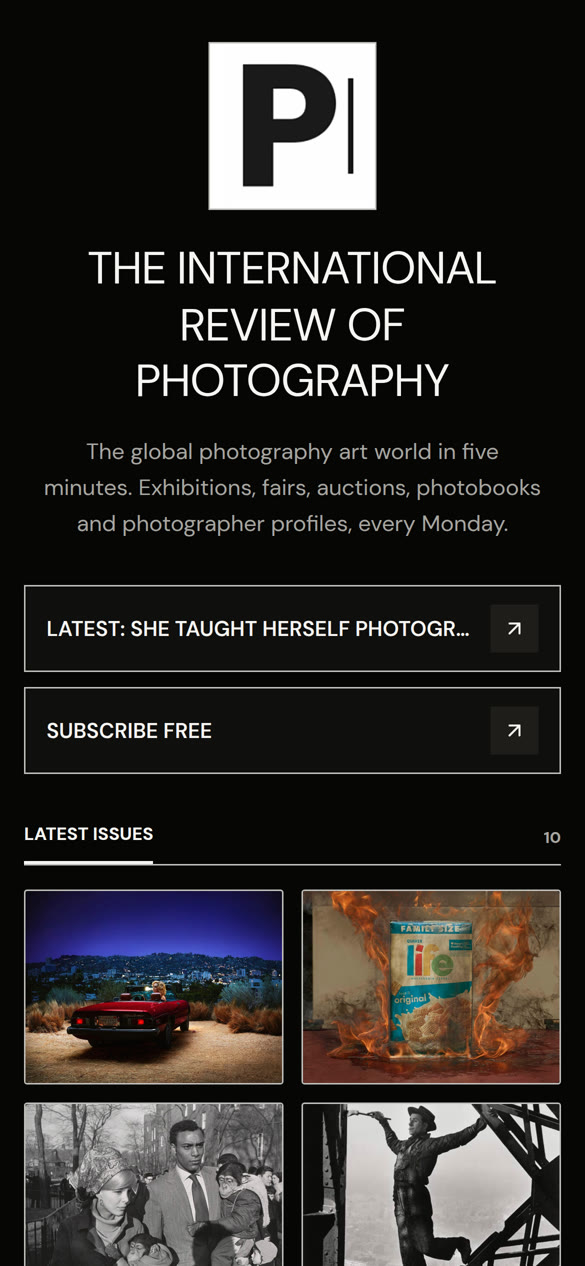
Your issues
“Link in bio” points at the issue you just sent.
Paste your Substack, Beehiiv, Ghost or Medium address into Feeds. OneLink finds your feed, and from then on each new issue arrives as a tile with its picture and headline.
- New issues show up as soon as someone opens your page, and every hour in the background.
- The banner at the top always points at your newest issue.
- onelinkin.bio/you/latest always opens your newest issue. Put it in a pinned post and it never goes stale.
- Your back issues stay on the page, so a new reader can see what you write about.
Sign-ups
Readers subscribe right on your page.
Substack and Beehiiv
Your own sign-up form, on the page.Paste your publication’s address and OneLink shows the sign-up form Substack or Beehiiv already gives you. New readers join your list there.
Kit and Mailchimp
Straight onto your list.Readers type their email on your page and land on your Kit or Mailchimp list. You keep a copy in OneLink too.
Ghost and Medium
A Subscribe button.A button that opens your Ghost or Medium sign-up page, so readers join where your newsletter lives.
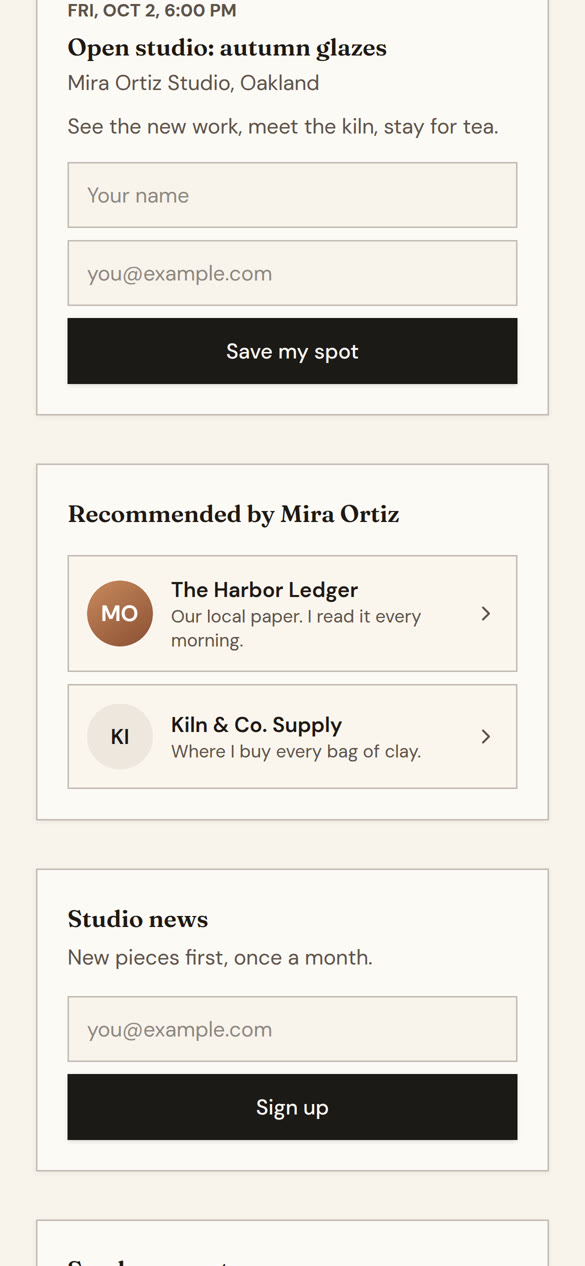
Recommendations
Recommend the writers you read, and let them recommend you.
Put up to six other pages on yours. Readers who like your page find theirs, and pages that recommend you send readers your way. Insights counts the visitors each side sends.
- When your sign-up box uses a OneLink, Kit or Mailchimp list, readers can join the lists of the pages you recommend in one tap.
- A writer who isn’t on OneLink yet can still be recommended as a link.
- Send them your invite link, and it switches over when they make a page.
Where readers come from
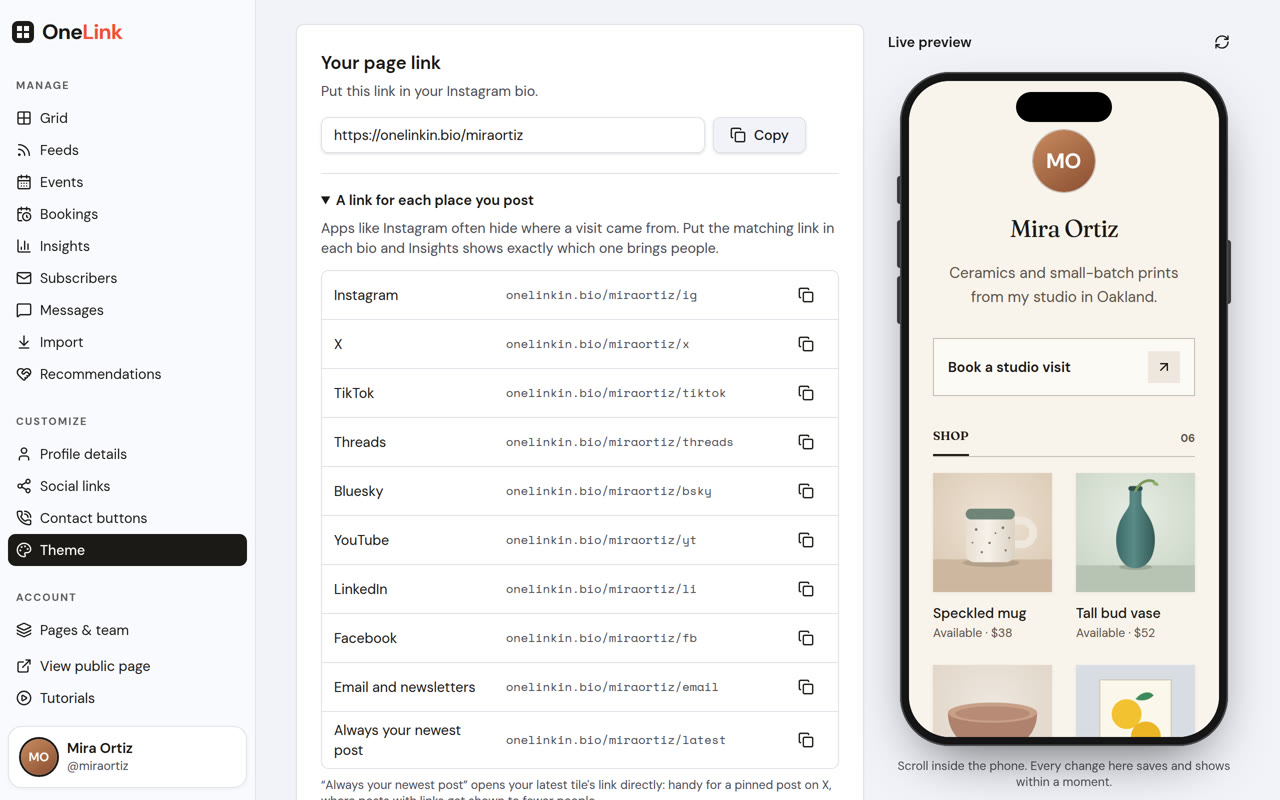
See which post sent the readers.
Use onelinkin.bio/you/ig in your Instagram bio, /threads on Threads, /tiktok on TikTok, /x on X and /bsky on Bluesky. Each one gets the credit, even when the app hides where visitors came from. Visits from Substack show up as Substack.
- Views and taps for every issue on your page.
- Kept from the day you start, on Pro.
- A weekly or monthly summary by email, if you want one.
Podcasts
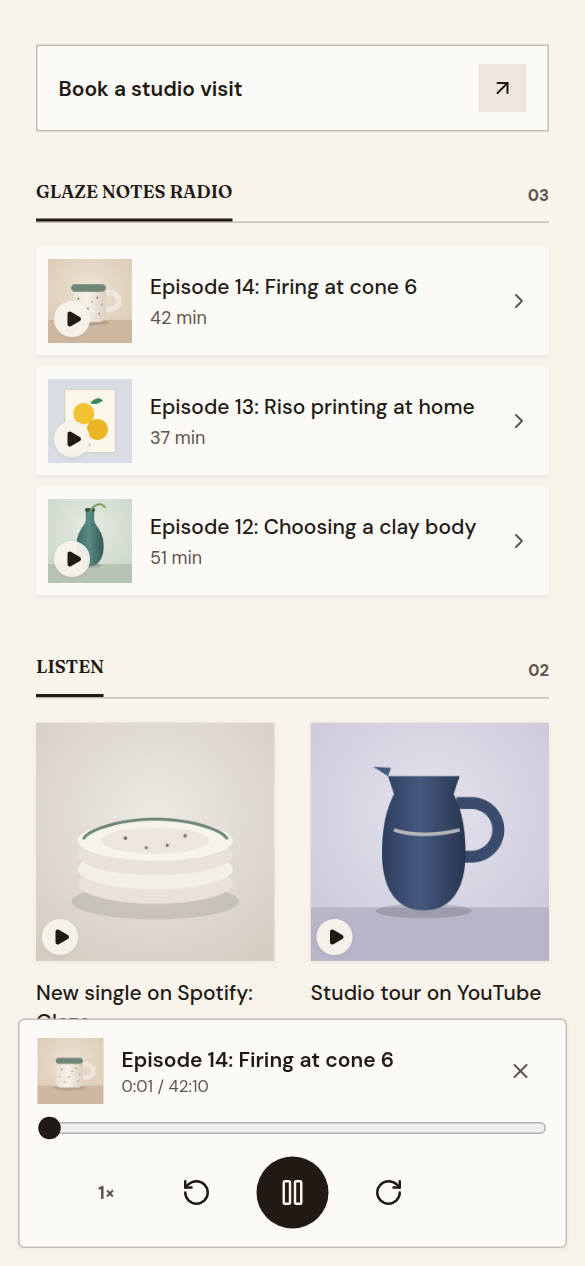
Your podcast plays on the page.
If your newsletter has a podcast, connect it in Feeds. Each new episode arrives with its artwork and plays right on your page, with speed and skip buttons.
- Works with a Substack podcast, any podcast host’s feed, or an Apple Podcasts link.
- Paid episodes play their free preview, the same as in a podcast app.
- The On Air design puts your latest episode at the top.
Also useful
A few more things writers ask about.
Twenty-eight designs and a cover photo. Broadsheet sets your issues in newsprint.
See the designs → Moving overBring your Linktree across.Paste your old page and your links, picture and bio come across in one go.
See how → Growing into a publication?Tools for bigger teams.Subscriber labels, team logins and your own domain, for newsletters that have become a newsroom.
For publishers →Plans
Free to start. The part that updates itself is Pro.
Free No time limit
$0
for as long as you like
- One page with tiles from any link
- All twenty-eight designs
- Banner links and contact buttons
- The last fourteen days of insights
Pro Most writers
$5a month
or $48 a year
- Your newsletter’s feed, so new issues add themselves
- The sign-up box, and one-tap joining with the pages you recommend
- Your podcast on the page
- Insights kept from day one
- Up to three pages
Founding First 500
$49once
then nothing, ever
- Everything in Pro, for good
- No renewal, no card on file
- Open to the first 500 people who join
Prices in US dollars. OneLink isn’t made by or affiliated with Substack, Beehiiv, Ghost or Medium. It reads the public feed any reader can see, so there’s nothing for them to approve.
Make your page today.
Pick the Newsletter template, paste your newsletter’s address into Feeds, and put the link in your bio.