How to put a link in your TikTok bio (2026)
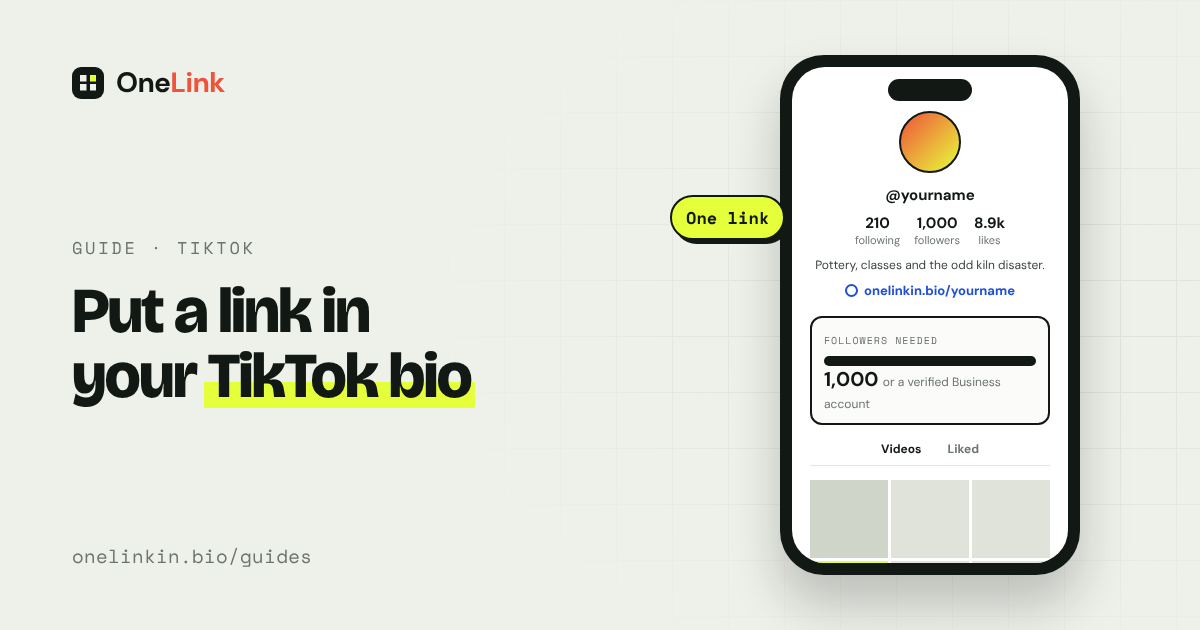
To add a clickable link to your TikTok bio, you need either 1,000 followers or a Business account. Once you qualify, it takes under a minute. TikTok gives you one link, so it's worth pointing it somewhere that holds everything.
Updated
Check that you qualify
TikTok's help page says you can add a website link if one of these is true:
- Your account has at least 1,000 followers.
- You have a verified Business account. This has no follower minimum.
A Business account counts once TikTok has verified it through business registration. What TikTok asks for depends on your country. Its page on business registration explains the steps.
Switching to a Business account is free, but it changes your music. Business accounts can only use TikTok's commercial music library, not the full catalogue. If your videos rely on trending songs, it may be better to wait until you reach 1,000 followers.
Add the link
Step 1: Open TikTok and tap Profile.
Step 2: Tap Edit profile.
Step 3: Next to Links, tap Add.
Step 4: Follow the steps to add your web address, then save.
The link appears on your profile under your bio text.
If you don't see the option
- You have under 1,000 followers and no verified Business account. This is the usual reason.
- Your app is out of date. Update it and look again.
- You're on a computer. Add the link in the phone app.
Until you qualify, you can type an address into your bio text. People can't tap it, but they can copy it.
How to switch to a Business account
Step 1: Go to Profile, tap the menu at the top, and tap Settings and privacy.
Step 2: Tap Account, then choose to switch to a Business account.
Step 3: Pick a category.
Step 4: Complete TikTok's business verification if it asks for it, then go back to Edit profile and add your link.
You can switch back to a personal account later.
Make one link do more
TikTok only gives you one link. If you have a shop, a newsletter, and a booking page, point that one link at a page that lists all three.
Say you're a potter with an online shop, a monthly newsletter, and a booking page for classes. Your one TikTok link opens a page with three tiles, one for each. When a new class goes on sale, you add a tile. Your TikTok profile stays the same.
With OneLink, you create a free page, add a tile for each thing you want to share, and paste the page address into TikTok. When something changes, you update the page and leave TikTok alone.
Questions people ask
Can I add a link to my TikTok bio without 1,000 followers?
Yes, with a verified Business account. You'll lose access to the full music library.
Can I put a clickable link in a TikTok caption?
No. Addresses in captions aren't clickable. Your bio is the place for a link.
Can I add more than one link?
TikTok gives you one website link. To share several, link to a single page that lists them.
Can I link my Instagram or YouTube?
Yes. TikTok has separate fields for those in Edit profile, and they don't use up your website link.
Related guides
Sources
- Adding a website link to your profile, TikTok Help Center, read November 14, 2026.
- Account types on TikTok, TikTok Help Center, read November 14, 2026.
All guides. Questions? Email support@onelinkin.bio. We usually get back within 24 hours.