How to add more than one link to your Instagram bio (2026)
You can add up to five links to your Instagram bio, on any account type, with no follower minimum. It takes about a minute. The catch is that visitors only see the first one until they tap, and Instagram won't tell you which links people chose.
Updated
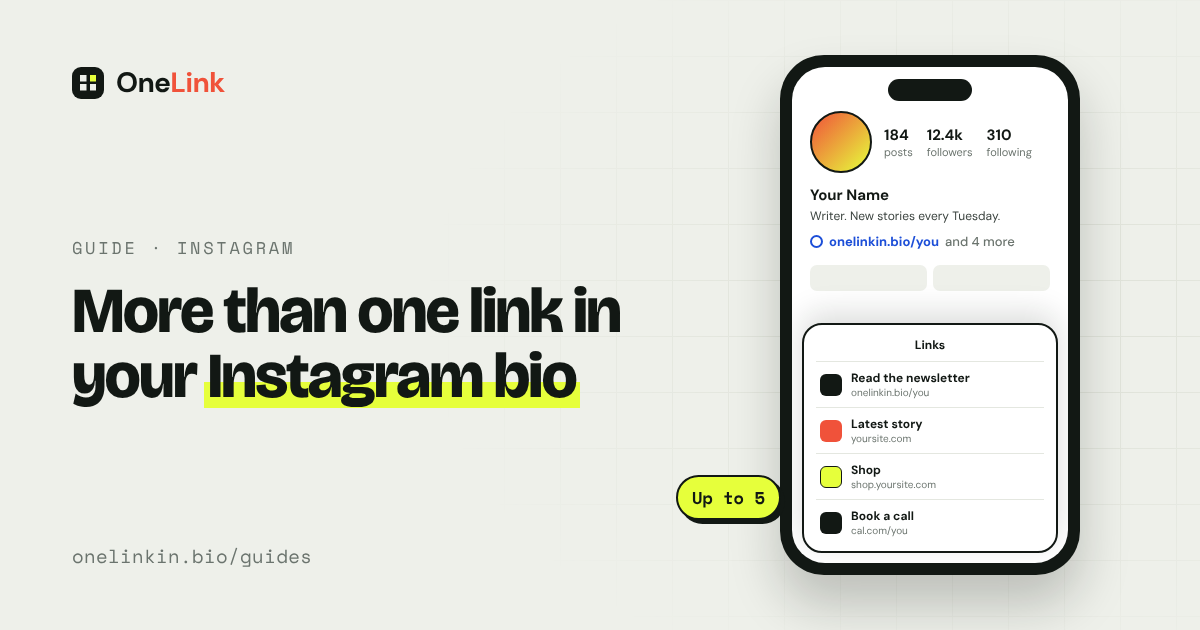
Add up to five links in the Instagram app
Step 1: Open your profile and tap Edit profile.
Step 2: Tap Links, then Add link. Some versions of the app call it Add external link.
Step 3: Paste the address and give it a short title. The title is what visitors read, so make it clear: "Read the newsletter" beats a raw web address.
Step 4: Repeat for each link, up to five.
Step 5: Drag the links into the order you want. The first one is the one people see.
Personal, creator, and business accounts can all do this. You add links in the phone app. Instagram's website doesn't offer it.
What the built-in links don't do
- Only the first link shows. Instagram displays one link with a count beside it, such as "and 3 more". The rest sit behind a tap.
- Five is the limit. If you publish every week, you'll run out quickly.
- There are no click counts. Instagram doesn't show how many people tapped each link.
- They're text only. There are no pictures, no headlines, and no way to show what's behind each link.
If you have two or three links that rarely change, the built-in option is all you need.
When one link to one page works better
If you publish often, sell something, or want to know what people tap, put a single link in your bio that opens a page listing everything. You update the page, and the link in your bio never changes.
Say you post a new recipe every Tuesday. With the built-in links, you'd swap the top link each week, and last week's post would send people to this week's recipe. With one page, every recipe stays a tap away, in order, with its photo.
A page like that is called a link-in-bio page. It suits you if:
- You post new stories, episodes, or products every week.
- You want each item shown with its picture and headline.
- You want to see which items people tap.
- You say "link in bio" in your captions and need that to stay true for old posts.
How to set that up with OneLink
Step 1: Create a free page at onelinkin.bio.
Step 2: Add a tile for each thing you want to share. The free plan has no limit on tiles.
Step 3: Copy your page address.
Step 4: In Instagram, go to Edit profile, then Links, and add it as your first link.
The free plan gives you one page, unlimited tiles, every design, three QR codes, and 14 days of insights. Pro is $5 a month, or $48 a year, which works out to $4 a month. It connects your site or newsletter feed so new stories appear on their own, and it keeps your insights for good.
Questions people ask
How many links can I put in my Instagram bio?
Up to five, on any account type.
Do I need a business account or 10,000 followers?
No. Any account can add bio links. The old follower rule applied to swipe-up links in Stories, which Instagram has since replaced with link stickers that everyone can use.
Can I put a clickable link in a post caption?
No. Web addresses in captions show as plain text. That's why people write "link in bio".
Can I see who clicked my bio link?
No. Instagram doesn't show who tapped. A link-in-bio page can show how many taps each item got, not who made them.
Related guides
- What "link in bio" means and how to set one up
- How to add a link to an Instagram story or post
- Best link in bio tools in 2026, compared
Sources
- Add a website to your Instagram profile, Instagram Help Center, read November 14, 2026.
- Expanding sharing links in Stories to everyone, Instagram, October 27, 2021.
- OneLink pricing, onelinkin.bio, read November 14, 2026.
All guides. Questions? Email support@onelinkin.bio. We usually get back within 24 hours.