How to add a link to an Instagram story or post (2026)
You can add a clickable link to any Instagram story with the link sticker. Every account has it, with no follower minimum. Posts and Reels are different: a link in a caption can't be tapped, so you send people to the link in your bio.
Updated
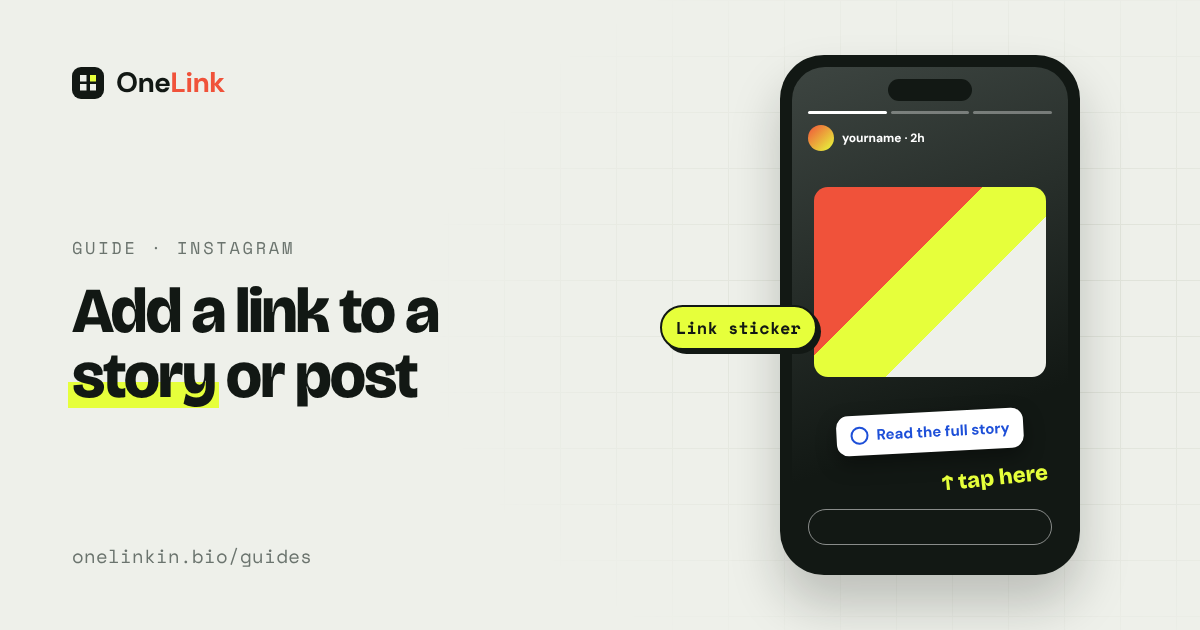
Add a link to a story
Step 1: Create your story as usual, with a photo or video.
Step 2: Tap the sticker icon at the top of the screen.
Step 3: Choose Link.
Step 4: Paste the web address.
Step 5: Change the sticker text if you like. "Read the full story" works better than a raw address.
Step 6: Drag the sticker to where it's easy to tap, then share.
A few things to know:
- A story lasts 24 hours unless you save it to a highlight. The link goes when the story does.
- Place the sticker away from the very top and bottom of the screen, where Instagram's own buttons sit.
- Add a word or an arrow pointing at the sticker, so people know it's there to tap.
- Instagram holds the sticker back from brand-new accounts, and from accounts that keep breaking its rules.
Why you can't add a link to a post
Instagram shows web addresses in captions as plain text. The same goes for Reels captions and comments. People would have to copy the address by hand, and almost nobody does.
What to do about posts and Reels
Use the link in your bio. Put the link on your profile and write "link in bio" in the caption. This is the standard way.
Share the post to your story with a link sticker. Your followers see the post and can tap straight through.
Send it by message. Links in direct messages are clickable. If someone asks, you can reply with the link.
The problem with "link in bio" on old posts
If your bio link points at this week's article, every older post that says "link in bio" now leads to the wrong place.
Say you post a new podcast episode every Monday. Someone finds your post from three weeks ago, taps your bio, and lands on today's episode instead of the one they wanted. Most people won't go looking.
The fix is to point your bio at a page that keeps everything. A visitor who arrives from a post made three weeks ago can still find what they came for.
With OneLink, each thing you publish gets its own tile with a picture and headline, and older items stay on the page. On Pro, which is $5 a month or $48 a year, your site or newsletter feed adds new stories on its own.
Questions people ask
Do I need 10,000 followers to add a link to a story?
No. That rule ended when Instagram replaced swipe-up links with link stickers. Every account can use them.
Can I add more than one link to a story?
Each sticker holds one address. To share several, link to a page that lists them.
Can I add a link to a post after posting it?
You can edit the caption, but an address there still won't be clickable.
Can I see how many people tapped my story link?
Yes, on a professional account (creator or business). Open the story's insights to see link taps.
Related guides
Sources
- About link sticker on Instagram Stories, Instagram Help Center, read November 14, 2026.
- Using stickers on Instagram, Instagram Help Center, read November 14, 2026.
- Expanding sharing links in Stories to everyone, Instagram, October 27, 2021.
- OneLink pricing, onelinkin.bio, read November 14, 2026.
All guides. Questions? Email support@onelinkin.bio. We usually get back within 24 hours.